
Using GitHub Copilot CLI Fleet Mode to Clear Large Lint Backlogs

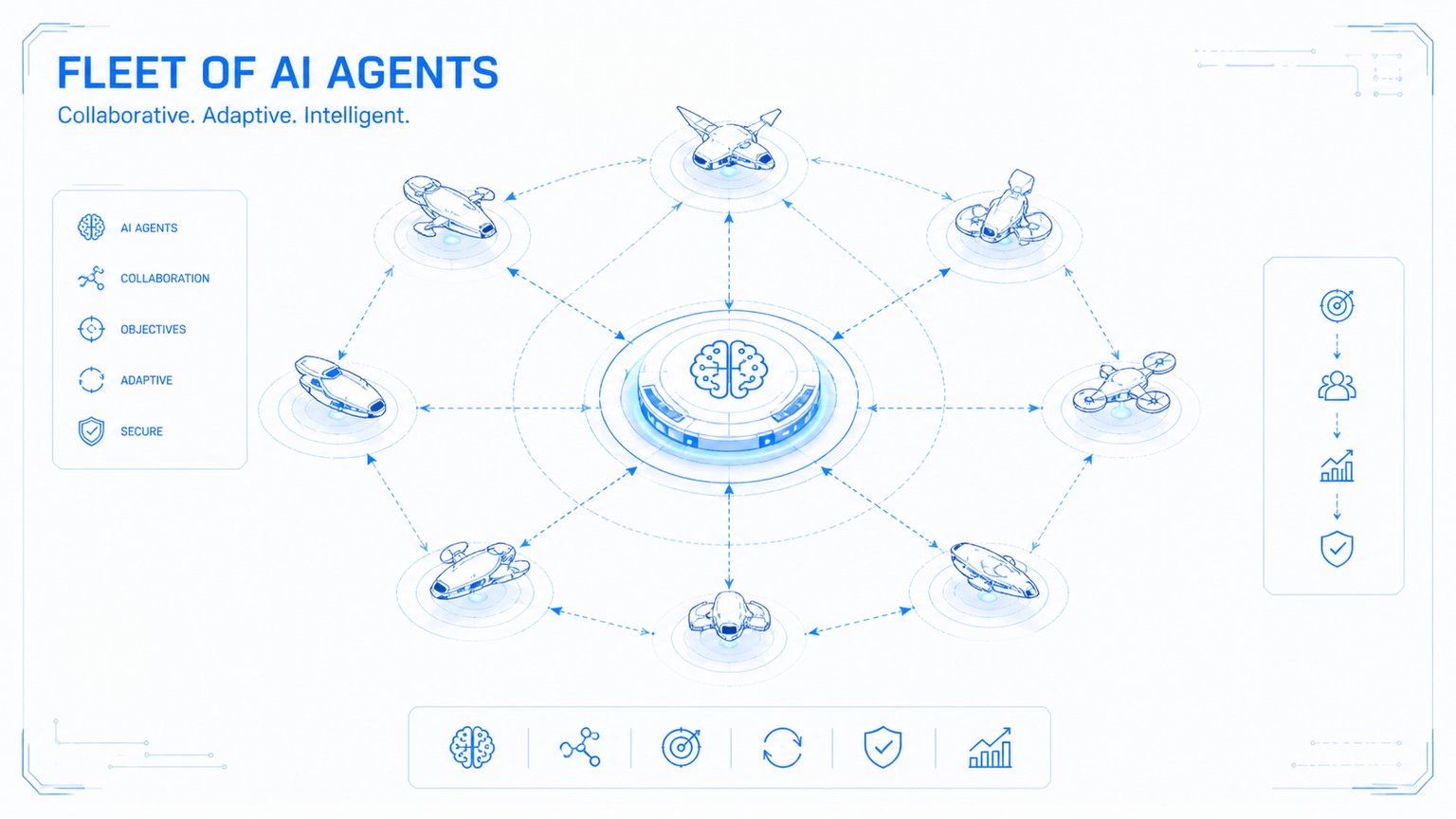
Large lint backlogs are a bad fit for sequential cleanup. The work is repetitive, mostly local to each file, and easy to validate once you define the right acceptance criteria. That makes it a good candidate for GitHub Copilot CLI's /fleet workflow.
This post shows a practical way to use /fleet for that kind of cleanup without turning the run into chaos. The core idea is simple: do not hand a raw lint dump to a swarm of subagents and hope for the best. Create the plan first, then let the fleet execute against a clear batch file and a strict orchestrator prompt.
The short version is:
- Save the lint output to a file and treat it as the ground truth.
- Create two artifacts before execution: a batch tracker and an orchestrator prompt.
- Keep each batch independent, with no overlapping files.
- Require file-level verification and a final full-project lint pass.
- Use
/fleetonly when the work is genuinely parallelizable.
Why /fleet Fits This Kind of Work#
Lint cleanup is a narrow class of problem, but it is a useful one. The transformation is often mechanical, the validation target is clear, and the files can usually be split into non-overlapping groups.
That last condition matters most. /fleet works best when the main agent can act as an orchestrator and assign independent subtasks to subagents running in parallel. That is exactly how GitHub documents the feature today. If the work is mostly sequential, or if batches need to coordinate tightly, the orchestration overhead starts to cancel out the benefit.
The Two-Phase Workflow#
The most reliable shape I have found is a two-phase workflow: planning first, execution second.
 Figure 1: Create the batch and orchestrator artifacts first. Then let `/fleet` dispatch subagents, run verification, and loop only when needed.
If you skip the planning phase and go straight from npm run lint to /fleet, the orchestrator has to invent the decomposition on the fly. That usually means weaker batch boundaries, inconsistent fix patterns, and less useful progress reporting.
The two artifacts you want are:
lint-fix-batches.md: a progress file that groups files into independent batches and records status.lint-fix-orchestrator.md: the prompt that tells the orchestrator how to dispatch, verify, report, and retry.
Phase 1: Create the Plan Artifacts#
Start by running the linter and saving the output to a file such as lint-state.txt. That file becomes the source of truth for the run.
At this point you can use Copilot CLI in plan mode, or another planning-capable assistant if you prefer to keep planning and execution separate. The important thing is not which assistant drafts the first pass. The important thing is that the output is explicit and reviewable before /fleet starts touching code.
Use a prompt along these lines:
This project has many lint issues. The output of running "npm run lint" is
saved in "lint-state.txt". Analyze the file, break it into batches that can be
assigned to subagents working in parallel, and create two artifacts:

- lint-fix-batches.md
- lint-fix-orchestrator.md

Do not start the actual fixes yet. Only create the plan artifacts.
That last constraint matters. If the planning pass starts editing files, you lose the clean boundary between design and execution.
What a Good Batch File Looks Like#
The batch file should do more than list filenames. It should encode the execution policy.
At minimum, each batch should:
- own a unique set of files with no overlap between batches,
- keep related files together when they share types or conventions,
- size batches by likely effort rather than raw file count,
- track status so the orchestrator can report progress clearly,
- document the agreed fix patterns for the lint rules involved.
That last point is easy to undervalue. If your run includes rules such as @typescript-eslint/strict-boolean-expressions or @typescript-eslint/prefer-nullish-coalescing, write down the expected transformations in the batch file. Otherwise each subagent has to infer them separately, which is how you end up with inconsistent cleanup across the repository.
Here is the shape I would use:
# Lint Fix Batches

## Batch 1: API feature modules
**Status:** not-started

| File | Issues |
| --- | --- |
| api/src/api/products/products.service.ts | 12 |
| api/src/api/orders/orders.service.ts | 9 |

## Batch 2: Frontend composables
**Status:** not-started

| File | Issues |
| --- | --- |
| app/composables/useSearch.ts | 7 |
| app/composables/useFilter.ts | 6 |

## Common Fix Patterns Reference

### @typescript-eslint/strict-boolean-expressions
- Nullable string: `if (value)` -> `if (value != null && value !== '')`
- Nullable number: `if (value)` -> `if (value != null)`
- Nullable boolean: `if (flag)` -> `if (flag === true)`

### @typescript-eslint/prefer-nullish-coalescing
- `value || fallback` -> `value ?? fallback`
Phase 2: Hand the Plan to /fleet#
Once the artifacts exist, you can move into execution.
GitHub's current docs describe two sensible ways to do that:
- Work in plan mode, then choose Accept plan and build on autopilot +
/fleetwhen the plan is ready. - Exit plan mode and run a direct command such as
/fleet implement the plan.
Those are related but distinct features. Autopilot controls how much the CLI continues autonomously. /fleet controls whether the work is decomposed and delegated to subagents in parallel.
If you are working interactively, Shift+Tab cycles between standard, plan, and autopilot mode. That is useful because it lets you review the plan before you decide whether the run is a good candidate for delegation.
This is the orchestrator prompt shape I would start from:
Read lint-fix-batches.md in the project root. It defines batches of files with
lint issues. Assign each batch to a separate subagent working in parallel.

What each subagent must do for every file in its batch:
1. Read the file in full.
2. Run the linter on that file to get the current error list.
3. Fix every reported issue with code changes.
4. Re-run the linter on that file and confirm zero issues remain.
5. Update the batch status in lint-fix-batches.md when complete.

Constraints:
- Do not add eslint-disable comments.
- Do not edit files outside the assigned batch.
- Do not claim completion without rerunning validation.

After all subagents complete:
- Run the full linter from the project root.
- Report remaining errors and failing files.
- If errors remain, group them into new batches and repeat.
- Stop after a bounded number of rounds.
What Makes an Orchestrator Prompt Good#
The orchestrator prompt needs to do three jobs at once: define ownership, define validation, and define stopping conditions.
Ownership has to be explicit. If two subagents can plausibly touch the same file, the plan is not ready yet. Fix that before execution.
Validation has to happen at the file level and at the project level. Re-running the linter on each file catches local mistakes. Re-running the full linter catches anything that only shows up when the whole repository is considered again.
The prompt has to prohibit easy cheating. If you do not explicitly ban eslint-disable, some runs will optimize for silence instead of correctness.
Retry logic has to be bounded. The point of the loop is to recover from partial success, not to let the orchestrator churn forever.
What to Expect in Practice#
On the right kind of backlog, this workflow mainly buys throughput and structure.
You are not asking one agent to hold a hundred files in its head at once. You are asking an orchestrator to distribute local cleanup tasks to subagents with separate context windows, then pull the results back together into a verified summary. That is usually a better fit for lint cleanup than a single long-running sequential session.
What you should not expect is magic. If the lint errors actually point to a shared architectural defect, or if the fixes need to be coordinated around a single refactor, /fleet will not remove that dependency. It will just expose it faster.
Operational Considerations#
There are a few practical constraints worth planning around.
Premium request usage#
GitHub's /fleet docs explicitly call out premium request usage as a tradeoff. Each subagent can interact with the model independently, so a heavily parallel run can consume more requests than a single sequential session.
That is why it is worth checking /model before you start. GitHub also documents that subagents use a low-cost model by default, which is often fine for highly mechanical lint cleanup.
Monitoring progress#
Use /tasks while the run is active. GitHub's current how-to docs position it as the place to inspect background tasks and subagent progress for a /fleet run.
Stop parallelizing when the work stops being independent#
If the run leaves behind a small number of failures that all point to one shared root cause, stop re-batching immediately. Fix the root cause directly, then rerun the linter and decide whether another fleet pass is still warranted.
When Not to Use This Workflow#
I would avoid /fleet for any of the following:
- dependency upgrades that require coordinated API changes across many files,
- broad refactors where shared utilities or types are still moving,
- migrations that need one ordered sequence of changes rather than parallel execution,
- any cleanup where the real issue is unclear and discovery is still part of the work.
In those cases, start with one deliberate refactor, shrink the problem, and only then decide whether the remainder can be parallelized.
References and Further Reading#
- GitHub Copilot CLI is now generally available
- GitHub Copilot CLI
- Running tasks in parallel with the
/fleetcommand - Speeding up task completion with the
/fleetcommand - GitHub Copilot CLI command reference
The useful pattern here is not limited to linting. Any task that is high-volume, mechanically transformable, and easy to verify afterward can benefit from the same structure. The hard part is not launching the fleet. The hard part is giving it a plan that is precise enough to execute safely.
Originally published at https://iuriio.com/blog/posts/2026/05/copilot-fleet-mode-experiment